

CRM Integration Solution
Yeastar PBX system is integrated with most popular CRM platforms
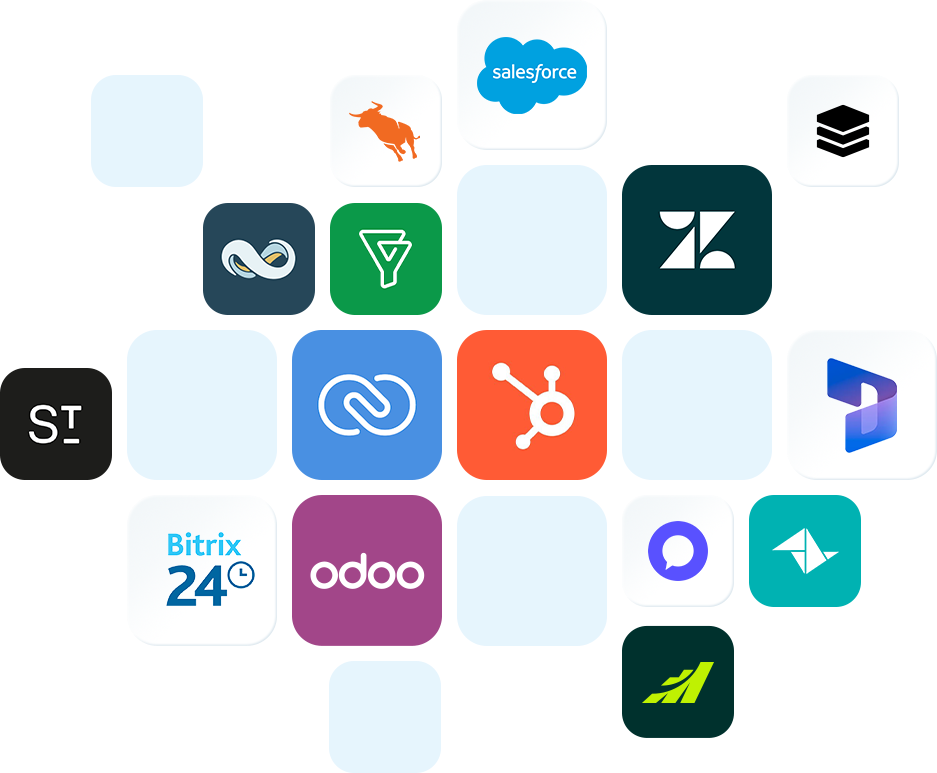
Rich Integration Features with Stunning Simplicity

Click to Call
Initiate calls directly from your CRM page with a single click. Stop wasting time dialing phone numbers – simply click to call right from your CRM while you’re looking at contacts or leads.

Automatic Call Journal/Note
Log call notes directly into your CRM after a conversation. Every interaction is captured and tied to the right contact, keeping your CRM data clean and your team aligned.

Incoming Screen Pop-up
When a call comes in, the caller’s CRM record instantly surfaces on screen. Agents get full context: contact details, deal history, and more for a more personalized experience every time.

Auto Contact Creation
When a call comes in from an unknown number, a new contact is manually or automatically created in your CRM. No leads slip through the cracks, and your CRM stays complete without extra admin work.

Contact Sync to Phonebook
Keep your phone system’s phonebook in sync with your CRM contacts automatically. No more duplicate entries or outdated directories; everyone works from the same up-to-date list.

Contact Look-up
Automatically match incoming and outgoing calls to existing CRM contacts in real time. Your team always knows the client’s name and which organization they’re from.
These features are highly dependent on CRM and may not be supported on all CRM platforms.

Ready-made CRM Integrations
Both your CRM and business phone system are vital tools to keep track of business interactions with customers. And merging the two achieves the best performance of both. Using VoIP-CRM integration allows you to auto-exchange data between two platforms and build relationships one conversation at a time. Your agents, representatives, or managers can boost efficiency with streamlined dialing, auto call logging, and provide a happier experience with real-time customer info upon incoming calls.
Yeastar PBX systems are CRM-friendly and support integration with popular CRM solutions. Read on to learn what CRM platforms and integration features are supported now.
Custom CRM Integration Template
If your CRM isn’t on our pre-built list, no problem. Easily create your own integration using our CRM integration template. View, update, or download default templates (e.g., Zoho CRM, Salesforce) for reference, or build a custom template to connect your local CRM with the Yeastar P-Series Phone System. All configurations are done in one intuitive interface, with minimal technical expertise required.
Quickly and easily integrate with any CRMs.
Export, import , and manage integration templates.
Associate local CRM users with PBX extensions.
Enjoy auto sync CRM contacts, call journal, and more CRM integration features.
Integration Guides

HubSpot CRM


Salesforce CRM
Bitrix24

Odoo

Dynamics 365

Zendesk

Pipedrive
Related Products
P-Series Phone System
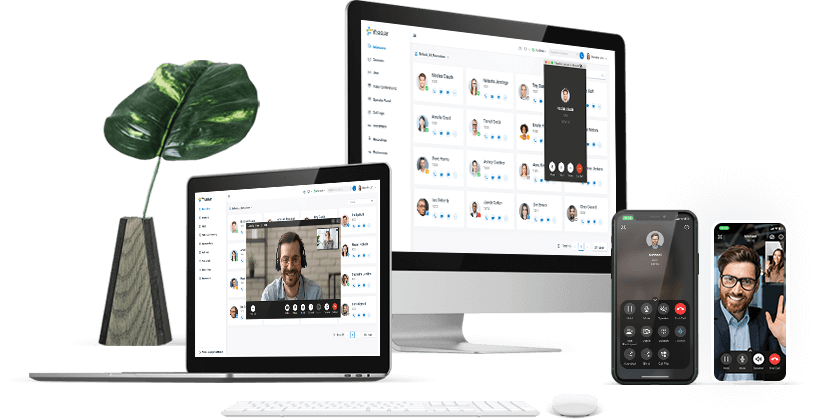
Available both in the cloud and on-premises, Yeastar P-Series unites calls, video, omnichannel messaging, integrations and more, out of the box.


X