
Download Linkus UC Clients

Linkus for P-Series PBX

Unlock the full suite of unified communications with telephony, video, messaging, contact center, and more features with your Yeastar P-Series Phone System. Stay connected anywhere, anytime.

windows-icons Windows
V1.25.4
download-icons download-icons (MSI)
apple-icons MacOS
V1.25.4
download-icons download-icons (Arm64)
android-icons Android
V5.30.4
download-icons
apple-icons iOS
V5.30.6
download-icons
web-icons Web Client
Learn More

Linkus for S-Series PBX

Download the app that works with your existing S-Series VoIP PBX hardware.

windows-icons Windows
V2.7.13
download-icons
apple-icons MacOS
V2.7.12
download-icons
android-icons Android
V5.28.8
download-icons
apple-icons iOS
V5.28.5
download-icons

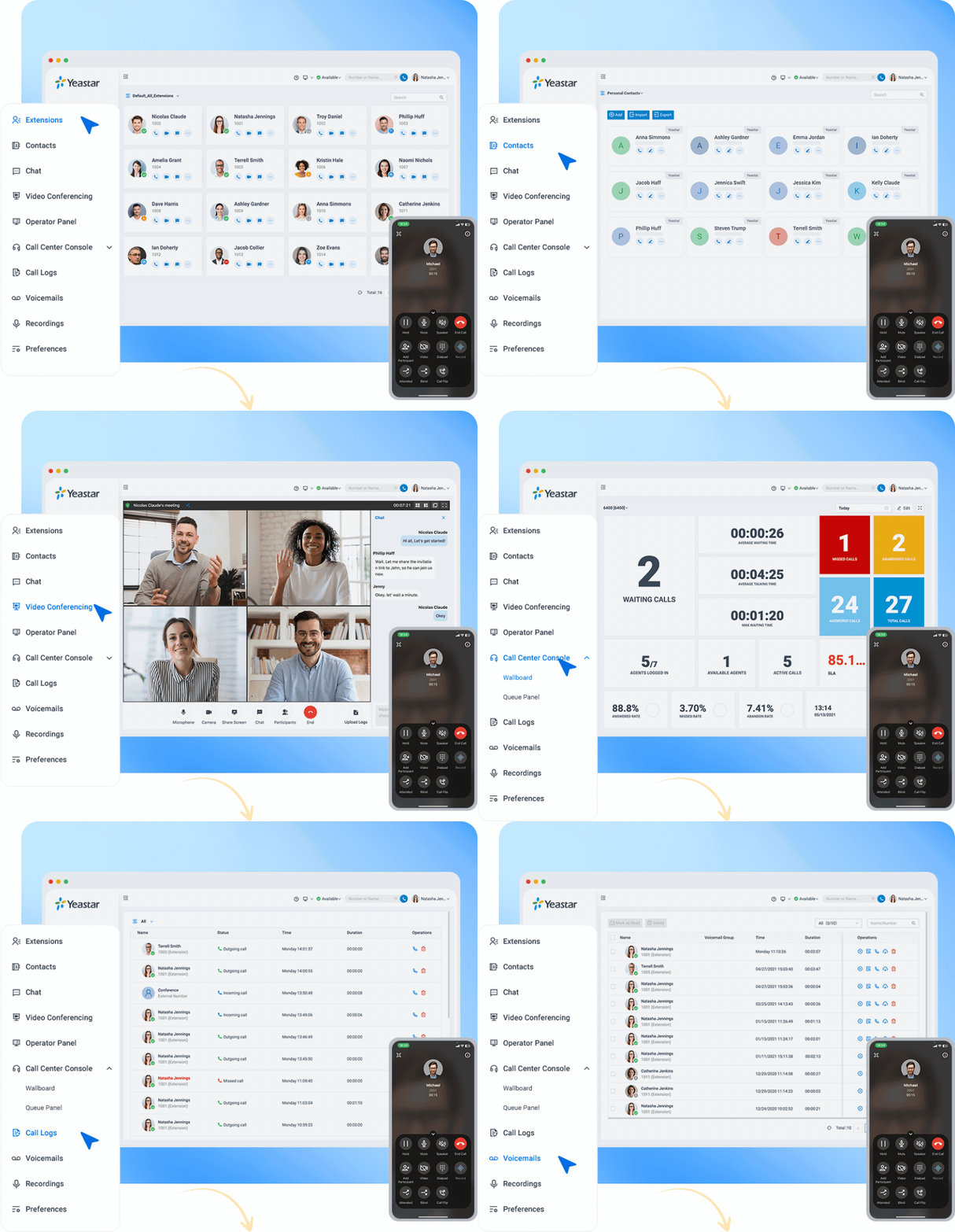
All Your Communication & Collaboration in One App

linkus-mobile

Native Softphone

Linkus is a UC client for Yeastar P-Series PBX System or S-Series VOIP PBX, bringing business communication features into one app.

call-center

Call Center

Handle inbound and outbound calls at scale with rule-based routing in the built-in inbound & outbound call center.

open_up

Team Collaboration

Communicate beyond calls with omnichannel messaging, team chats, and HD audio/video conferencing.

puzzle

Seamless Integrations

Integrate Linkus with Microsoft Teams, Outlook, HubSpot, and more, or build custom workflows using open APIs.

New to Linkus?

Get a 30-day PBX free trial or request a live demo to see Linkus in action.

Can I use Linkus without a Yeastar PBX?

No. Linkus is purpose-built for the Yeastar PBX ecosystem. Accounts must be provisioned by your PBX administrator. If you're evaluating Yeastar PBX, contact sales or request a trial.

Which devices and OS versions are supported?

Linkus runs on four major platforms. On mobile, it requires Android 8.0 or later and iOS 11.0 or later. On desktop, Linkus Desktop versions prior to 1.24.2 support Windows 7 or later, while version 1.24.2 and later require Windows 10 or later, macOS 10.11 (El Capitan) or later is supported.

What features are available in the Linkus app?

The features available in your Linkus app depend on your Yeastar PBX system plan. For details, please refer to the Linkus User Guide

Does the app support simultaneous login on different devices?

Yes. One account can be active on multiple devices simultaneously, provided that the PBX is properly configured to allow concurrent registrations. For example, your desktop client, mobile app (iOS / Android), and web client can all be online at the same time.