

As messaging becomes a key business communication channel, managing every conversation manually can quickly become overwhelming. Greeting customers, answering repetitive questions, collecting information, and directing inquiries to the right team all take time and effort, especially as message volumes grow. To keep up with growing communication demands, Message Flow Designer is built to help you automate message interactions — from instantly replying to customer inquiries to routing messages, checking external data, and triggering follow-up notifications.
What is Message Flow Designer?
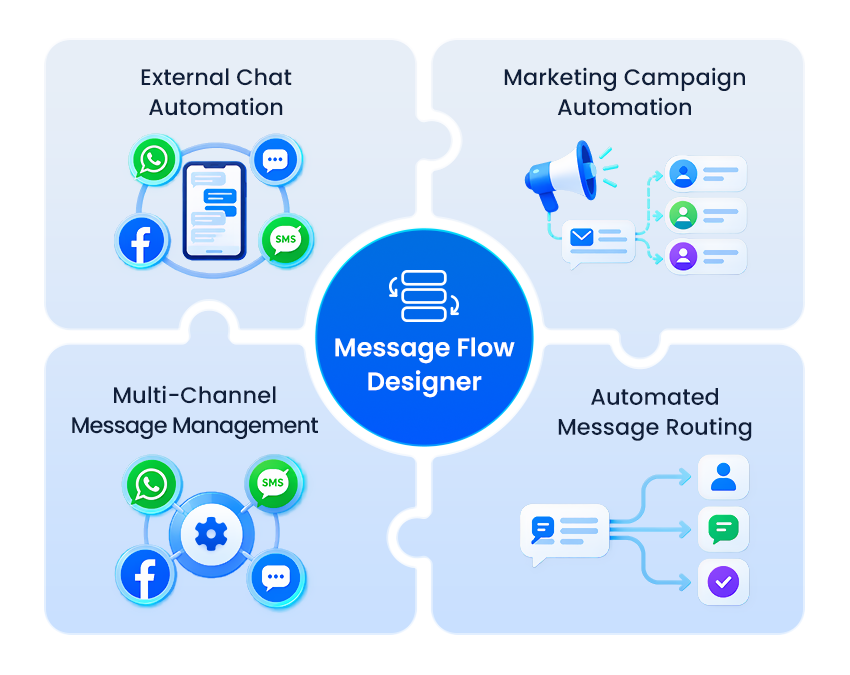
Yeastar Message Flow Designer is a visual message automation tool built into the P-Series Phone System. It enables businesses to build self-service message IVRs, simple chatbots, auto message responders across SMS, WhatsApp, Facebook, and Live Chat.
By leveraging native workflow components like Send Message, Menu, Business Hours, Conditions, Database Access, and HTTP Requests, Message Flow Designer can help businesses create various workflows tailored to their specific automation needs.
Drag-and-drop Design & Ready-to-use Templates
Time Condition-based Message Flow Control
Send Message & WhatsApp Template
Email Sender for Automated Follow-ups
CRM, Database & Developer API Integration
How Does It Work?
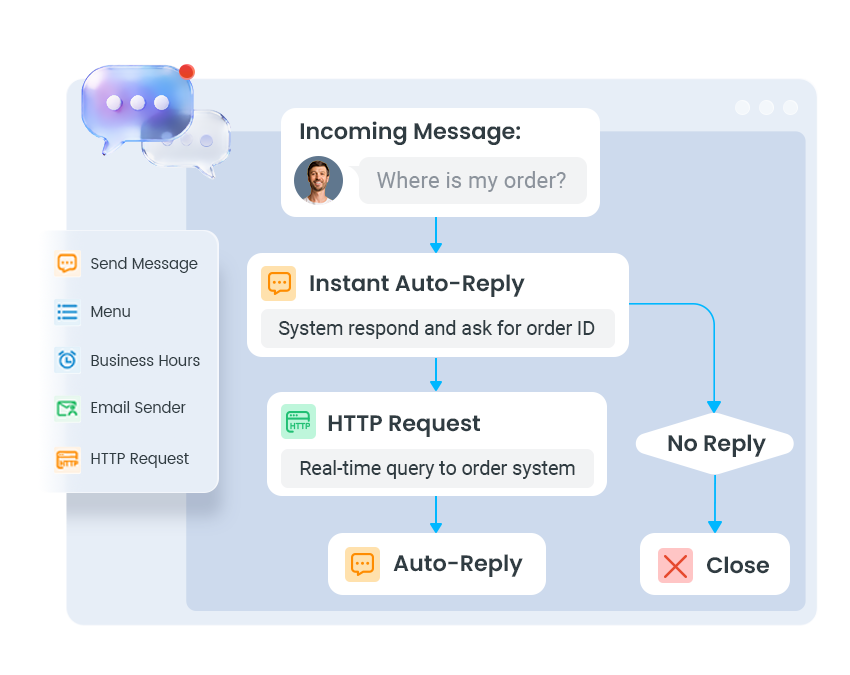
Message Flow Designer turns incoming customer messages into automated, end-to-end conversations. From the moment a customer reaches out, it can automatically respond, collect information, guide the conversation, and trigger the next action, helping businesses handle routine interactions with less manual effort.
1. Start with an Incoming Message
A customer message from SMS, WhatsApp, Facebook, or Live Chat triggers the message flow. You can use business hours, menu selections, or other predefined rules to determine how the conversation should begin.
2. Guide and Automate the Conversation
The flow can automatically send messages, ask questions, provide self-service options, collect information, and route inquiries based on the customer’s responses. For more advanced scenarios, it can also retrieve data from databases or connect with external systems in real time.
3. Take the Right Action
Once the customer’s needs are identified, the flow can provide the requested information, trigger follow-up email or message notifications, or transfer the conversation to the appropriate agent or queue. This allows routine inquiries to be handled automatically while more complex issues can be seamlessly handed off to human agents.
Application Scenarios of Message Flow Designer
Benefits of Message Flow Designer
Frequently Asked Questions
Related Features & Solutions
Complete Communications Solution
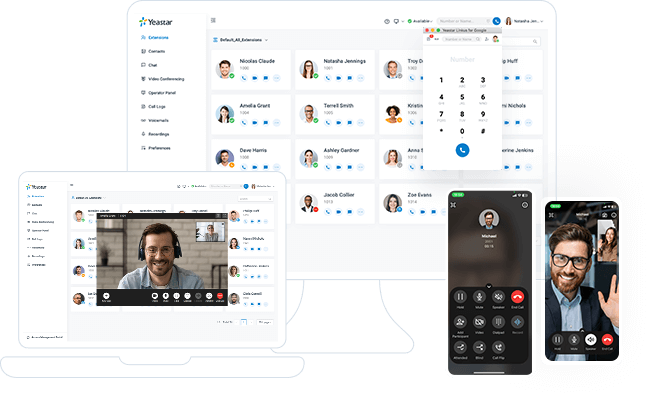
Available both in the cloud and on-premises, Yeastar P-Series Phone System unites calls, video, omnichannel messaging, integrations and more in one simple system for your seamless communications anywhere.
Get started with 30-day free trial
Create your Yeastar phone system in minutes & see what all-in-one communications can do for your business today.
X