

Call Reports
Easily track call activity and performance metrics across your system to identify trends, detect issues, and optimize operational efficiency with actionable insights.

Clear Insights into Your Call Activity
Track calls, monitor handling, observe trends, and archive reports to stay informed and organized.

Track Call Activity
Record all calls, including total call volume, answered calls, duration, and call quality monitoring across your system.

Monitor Call Handling
Review how calls are distributed and handled by agents and queues, including routing and response patterns.

Analyze Trends
Observe call trends over time, including peak hours, frequency, and more to better analyze overall activity.

Save for Reference
Export reports in CSV, XLS, HTML, or PDF formats to save and share call data for future reference.
Reports Made to Fit Your Needs

Pre-built Report Templates
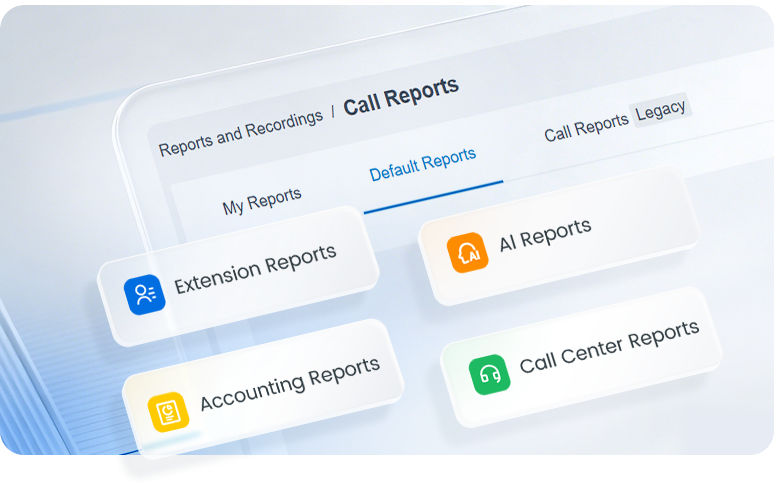
Default Reports provide ready-made templates for quick access to key call data, covering 20+ report types across 5 major categories: Extension Reports, Accounting Reports, AI Reports, Call Center Reports, and Call Activity Reports. These pre-built reports allow you to instantly gain an overview of your system's performance without any additional steps. View all reports

Custom Call Reports
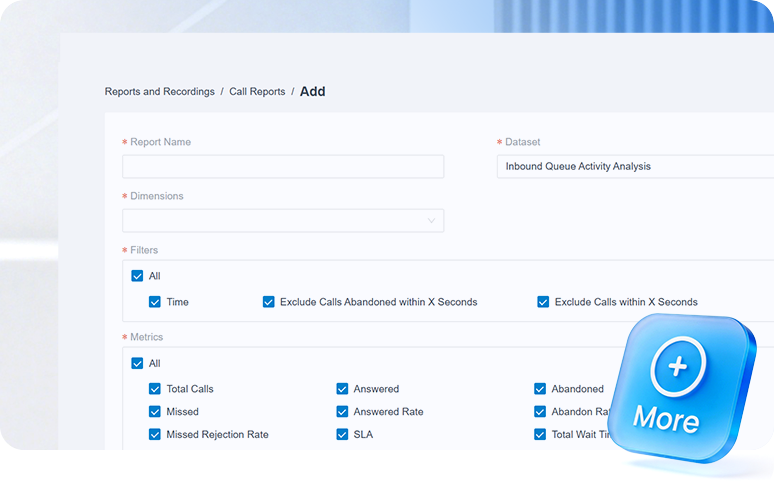
Custom Reports allow administrators to go beyond standard templates and create tailored reports for specific
needs. With the Custom Report Builder, users can select the datasets and dimensions, apply filters, and choose
precise metrics to generate detailed insights into communication performance.
 Watch Video
Beyond built-in reporting, the P-Series PBX can securely synchronize communication data with your enterprise databases, unlocking advanced analytics on external BI platforms. By feeding raw call records and system metrics into tools like Power BI or Grafana, you can design tailored call center quality monitoring dashboards, set up self-managed IT infrastructure alerts, and generate consolidated cross-platform reports.
X
Visualized Data in Real-Time
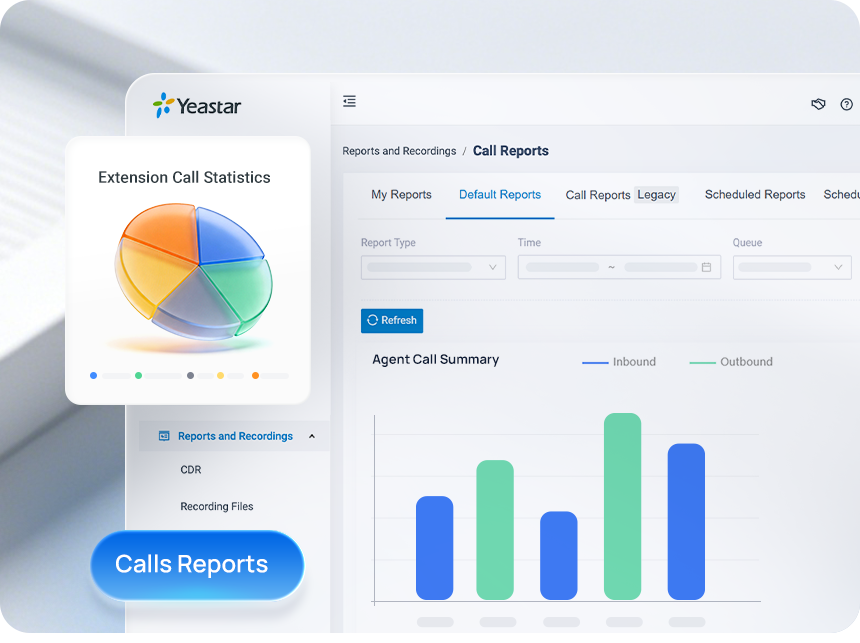
Having comprehensive call data is valuable only if it's easy to interpret. Yeastar Call Report presents information with intuitive charts and graphs, such as pie charts for extension call distribution or line graphs for agent call summaries. This visual approach allows managers to quickly grasp trends and patterns without sifting through rows of raw numbers.
Personalize Reports for
Every Role
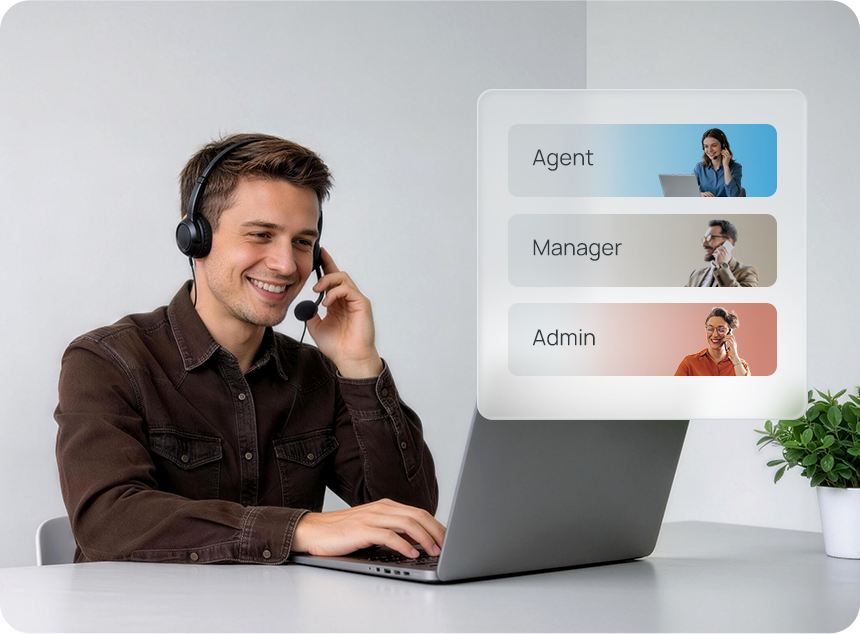
For users in different roles and positions, data requirements can vary significantly. In such cases, custom reports provide a practical way to tailor data views by filtering out unnecessary information and highlighting the most relevant metrics. Call report permissions further define report access (All, Created by Myself, or shared with specific extensions/groups) and actions such as download, schedule download, and rating, ensuring secure and role-appropriate usage.

Support Better Decisions
Call Report not only allows managers to view call data in real time but also provides flexible options to download reports or schedule them for automatic delivery. With timely and well-structured data always at hand, managers can continuously monitor performance, track key trends, assess call quality reports (QoS monitoring reports), and identify areas for improvement without manual effort. By leveraging these insights, businesses can make more informed decisions, optimize workflows, enhance customer experience, and ensure sustainable growth.
Optimize Your Call Center Operations

Track Team Efficiency
Customize call center reports by selecting the metrics that matter most to each team, ensuring every team can generate reports aligned with its specific operational needs.

Enable Faster Issue Resolution
Use custom reports to quickly filter and analyze key metrics, helping call center teams detect anomalies early, troubleshoot issues more efficiently, and enhance operational performance.

Ensure Service Quality
Detailed reports uncover potential service gaps, providing a foundation for consistent call center strategies to streamline call flows and ensure professional, reliable customer service.
Get started with 30-day free trial
Create your Yeastar phone system in minutes & see what all-in-one communications can do for your business today.