

We are creating your Yeastar account... 15s left
We'll directing you to your account once done. Please don't close or refresh this window until the pocess is finished.
P-Series Cloud Edition
Sistema telefónico PBX en la nube para empresas

Todo lo que necesita en un PBX en la nube


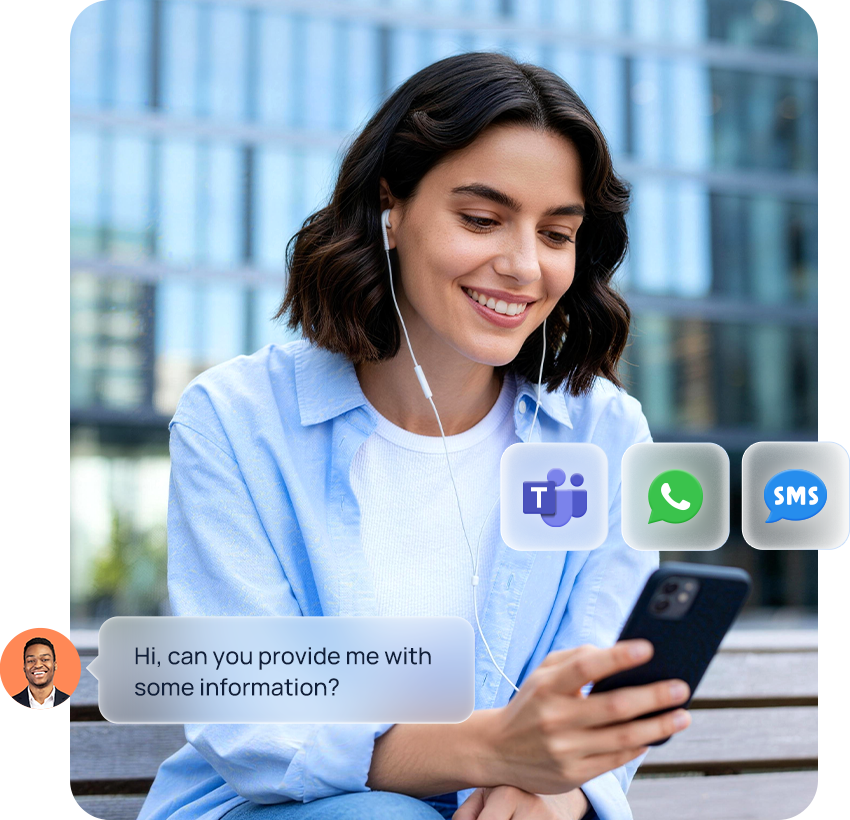
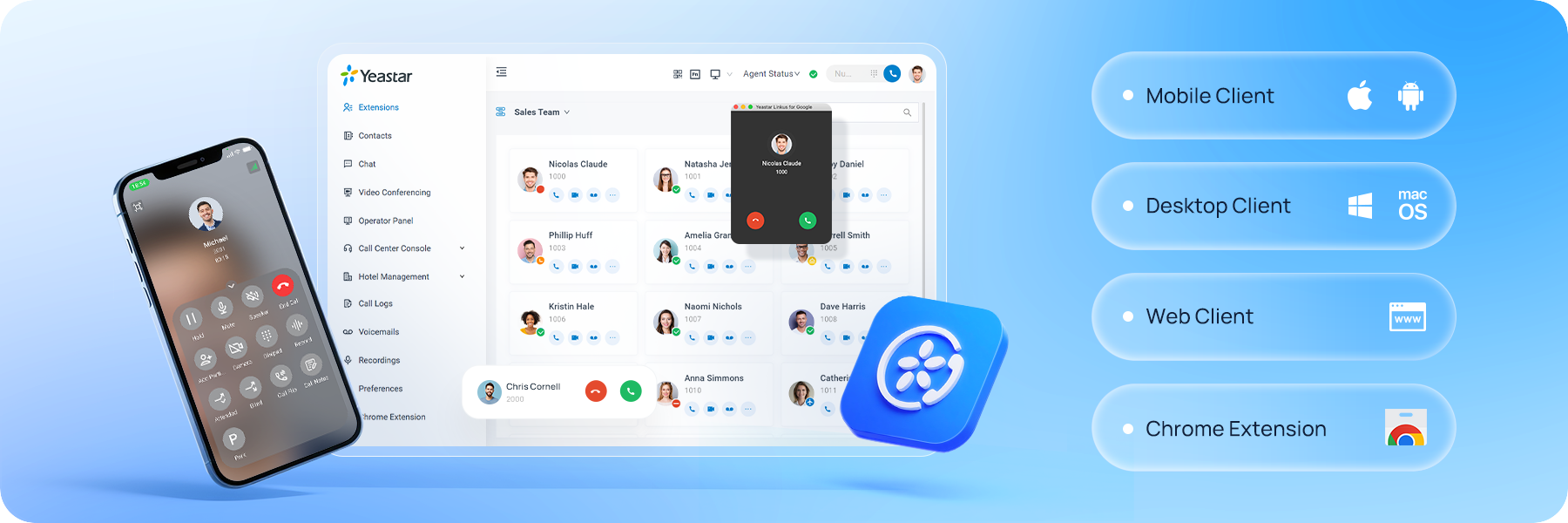
Haga y reciba llamadas de trabajo con el dispositivo que prefiera, desde cualquier lugar. Mantenga su conexión desde dispositivos móviles, de sobremesa o desde el navegador disfrutando siempre de la misma experiencia de llamada.
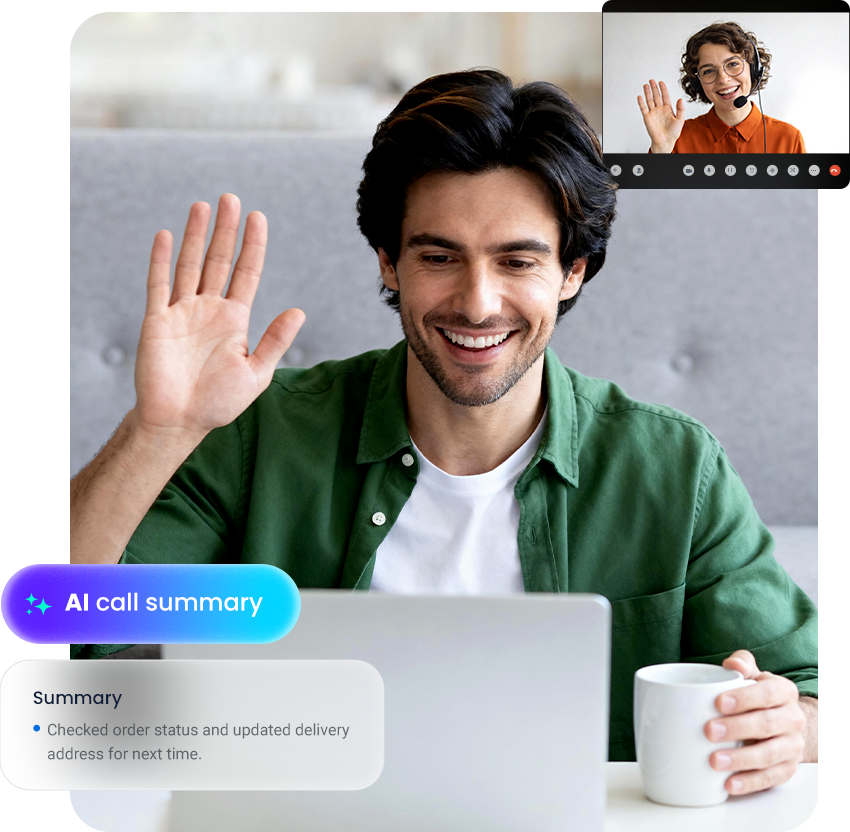
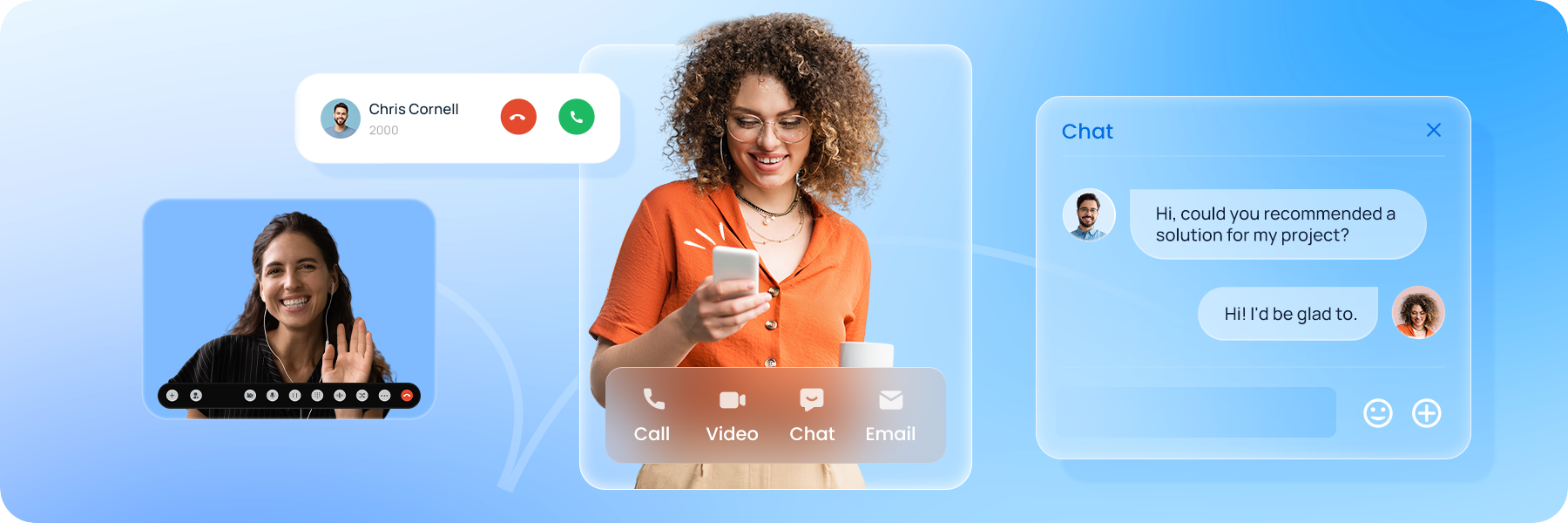
Haga llamadas de voz y videollamadas, organice reuniones con pantalla compartida y comuníquese mediante mensajes con reconocimiento de presencia en tiempo real.
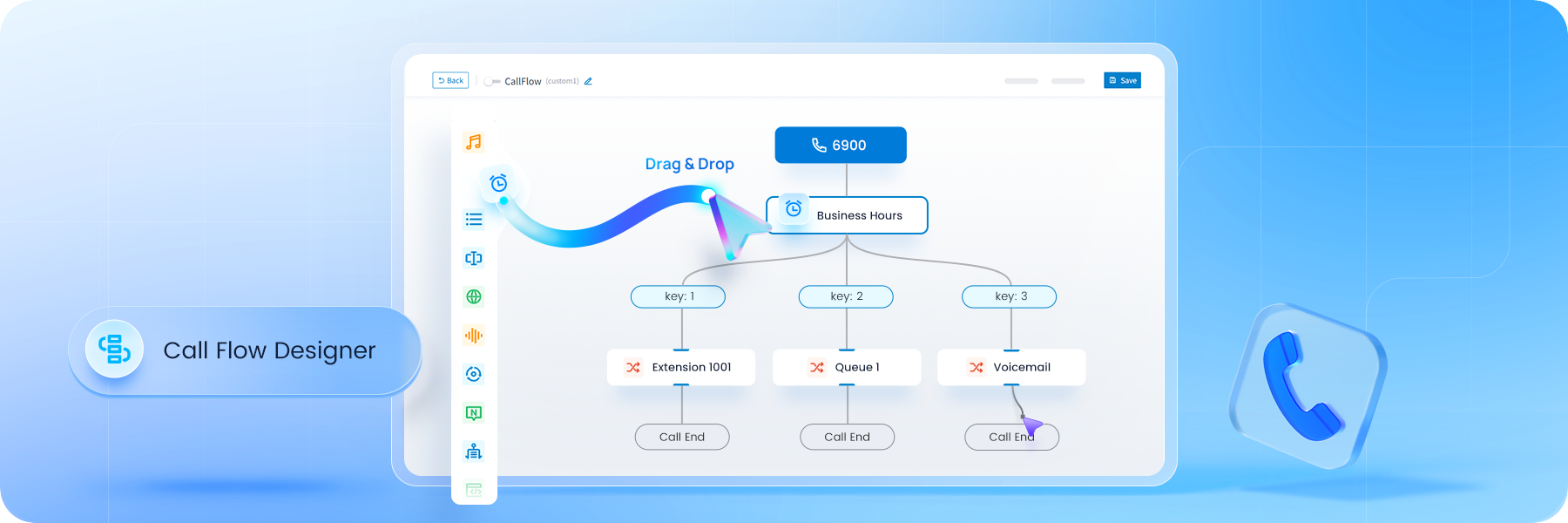
Gestione las llamadas de forma más rápida e inteligente gracias a controles de llamada flexibles y flujos de trabajo automatizados. Optimice el enrutamiento de llamadas, las transferencias y las operaciones diarias para reducir el esfuerzo manual y los retrasos.
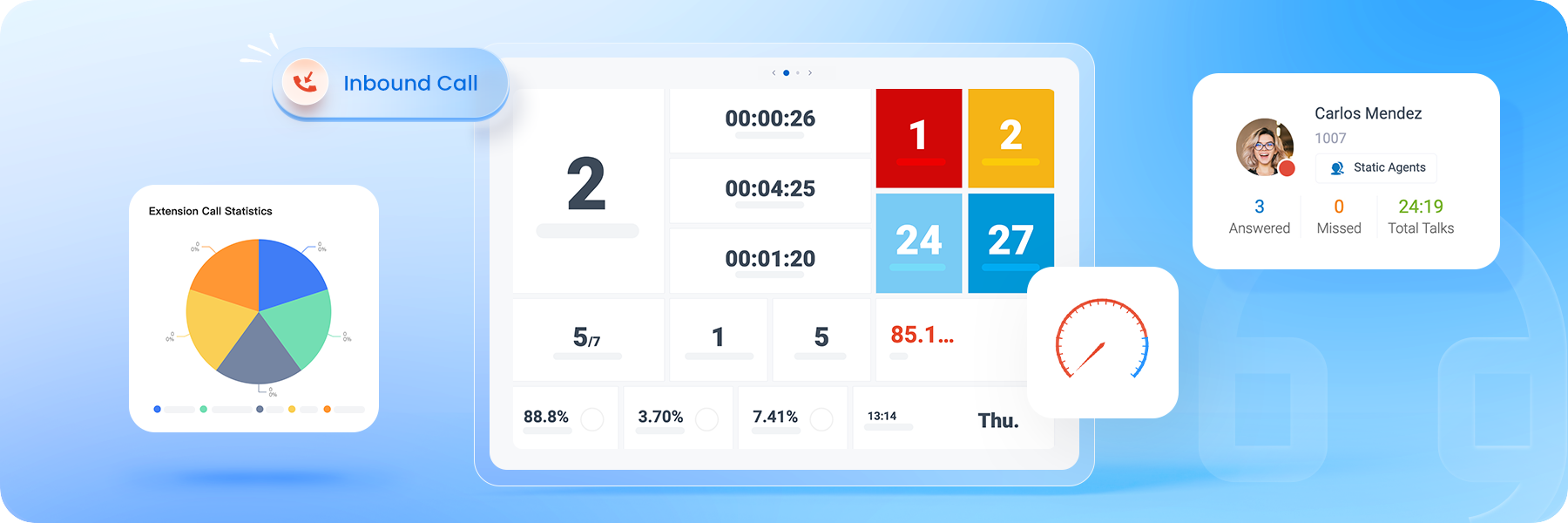
Gestione las llamadas entrantes con visibilidad completa de las colas, el rendimiento de los agentes y la actividad en tiempo real, lo que ayuda a los supervisores a mantener unos buenos niveles de servicio y un perfecto funcionamiento de los equipos.
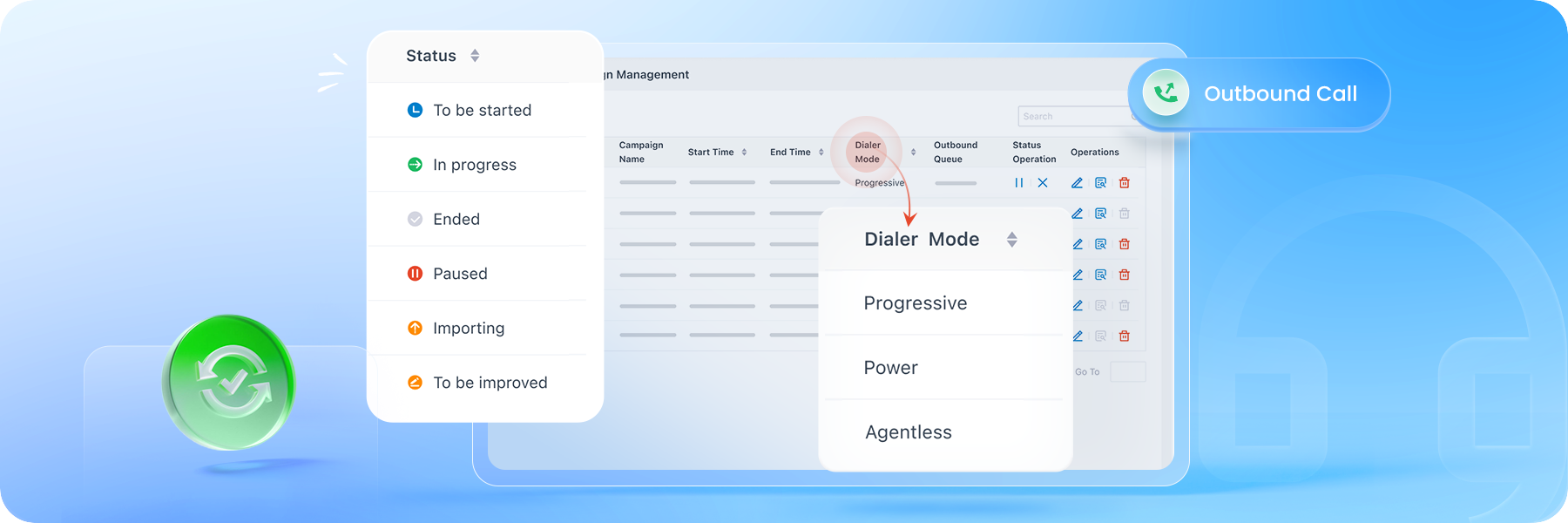
Use la marcación progresiva, de potencia o sin agente para escalar las llamadas salientes y llegar a los clientes y, además, mejorar la productividad de los agentes y la eficiencia de la campaña.
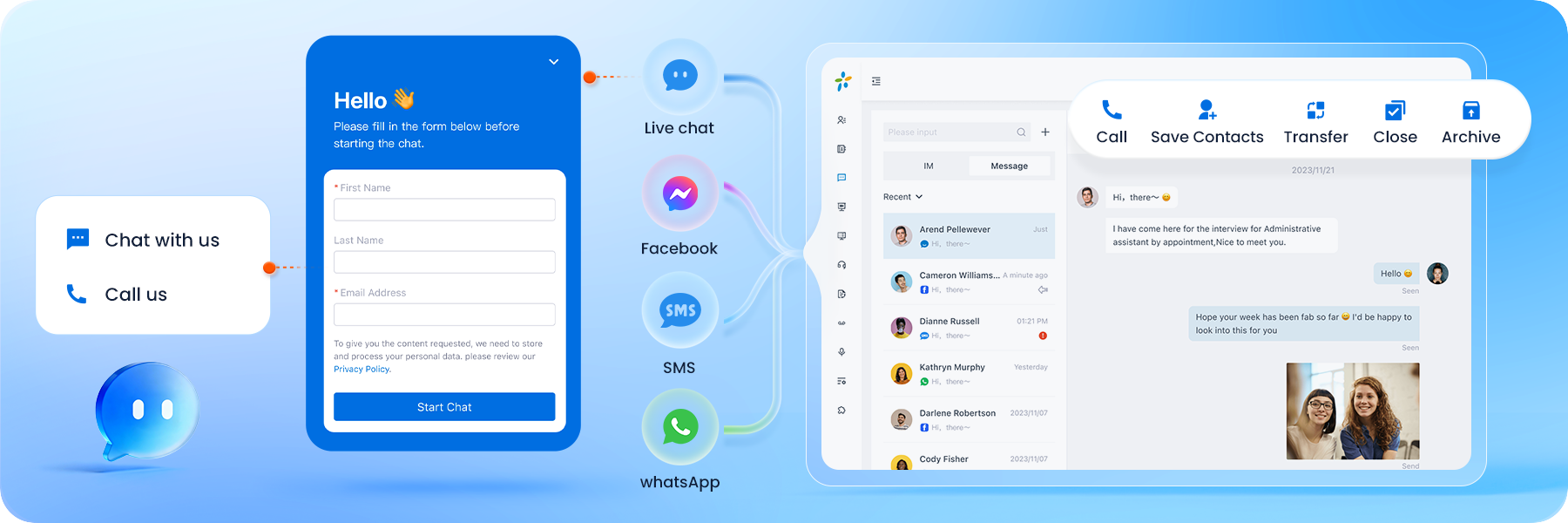
Gestione en una bandeja de entrada las conversaciones con los clientes mantenidas por WhatsApp, SMS, Facebook y chat en tiempo real, con asignación de agente clara, historial de chats completo y compatibilidad con mensajes masivos.
El sistema telefónico en la nube Yeastar es compatible con más de 500 modelos de teléfonos IP de los principales proveedores, y el aprovisionamiento automático permite una implantación rápida y sin esfuerzo.
Conecte a la perfección con más de 210 proveedores de enlaces troncales SIP en todo el mundo, lo que contribuye a reducir los costes, simplificar la migración y mantener en servicio los números existentes.
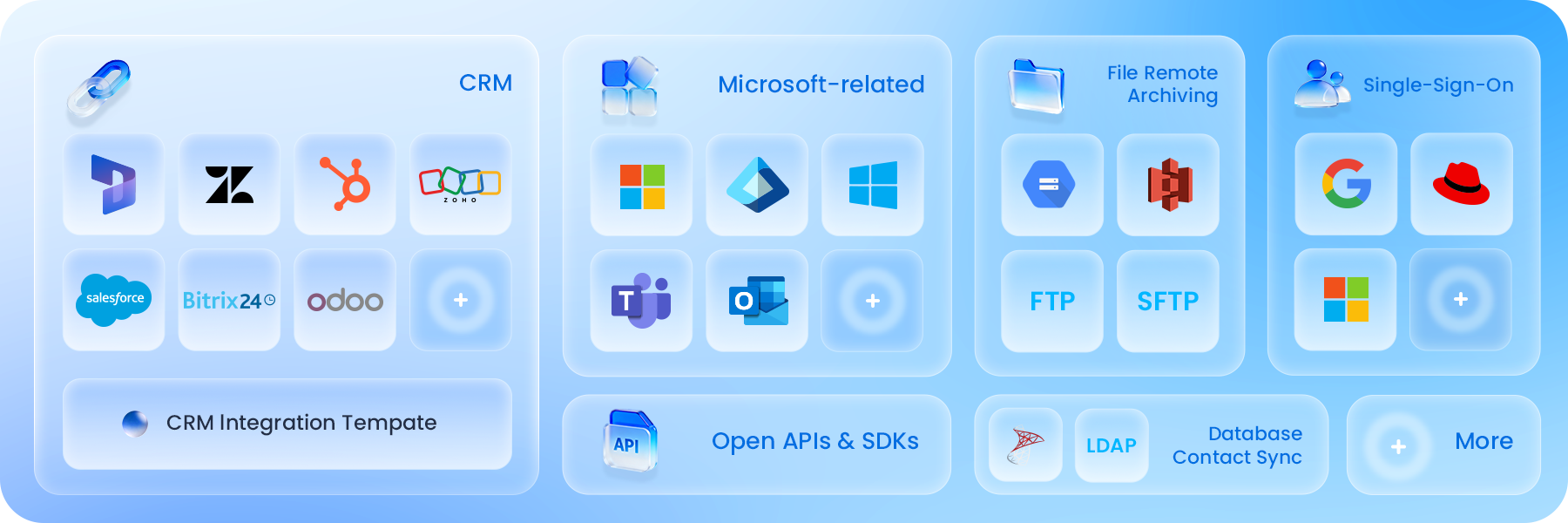
Integre el PBX en la nube con sistemas CRM populares, de asistencia técnica, Microsoft 365 y otros sistemas empresariales para mantener conectadas las comunicaciones en todos sus flujos de trabajo diarios.
Impulse su negocio con la comunicación
potenciada por IA
Mejore el PBX serie P con IA integrada. Optimice los flujos de trabajo, obtenga información crítica,
y ofrezca un servicio ininterrumpido sin aumentar la plantilla. Más información
↗
Aumente la productividad con ayuda
de la IA
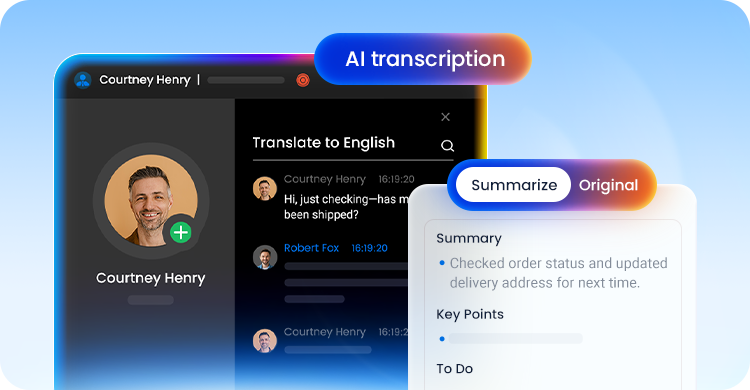
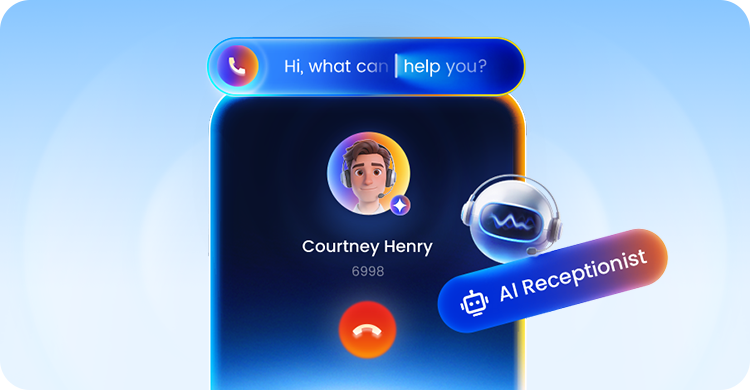
Optimice el retorno de la inversión con recepcionistas con IA
Para los proveedores de servicios
Su vía rápida para lanzar servicios de voz alojados con facilidad
Sea nuevo en el mercado de UCaaS alojado o sea un proveedor de servicios establecido interesado en actualizar su oferta, Yeastar ofrece una solución lista para usar con facilidad de acceso.

Impulse su negocio
Empaquete sus propios enlaces troncales SIP y otros servicios, establezca sus propios precios y mantenga la propiedad total de sus clientes. Le prestaremos todo el soporte que necesite.

Solución en la nube fiable
Aloje su solución en nuestra nube o en la suya. Su fiabilidad del 99,99 %, la supervisión ininterrumpida y la seguridad multicapa garantizan que sus clientes estén siempre en línea.
Gestión centralizada
Cree, entregue y gestione sus PBX en la nube en una plataforma intuitiva y potente. Entre las herramientas disponibles se incluyen plantillas de aprovisionamiento, supervisión activa, tareas programadas y más.

Implemente su solución de marca blanca fácilmente
Introduzca su marca rápidamente en el mercado. Personalice su solución con sencillas herramientas de configuración que se activan con solo pulsar y hacer clic. Aprende más
Download Brochure
¿Por qué cambiar a un proveedor de PBX en la nube?

Elija su modelo de implementación de PBX en la nube

Solución llave en mano de PBX en la nube
Elimine las complicaciones de la implementación en la nube. Descubra un sistema telefónico en la nube totalmente gestionado con fiabilidad a la altura de cualquier operador: una solución sin complicaciones (de verdad) y sin mantenimiento.

Traiga su propia infraestructura (BYOI)
Aloje toda la plataforma UCaaS de múltiples instancias en su propia infraestructura de nube para conservar control total sobre el rendimiento, la seguridad y la escalabilidad.
Todas las funciones que necesita sin complejidad
Diseñamos todas las funciones para que las empresas se mantengan conectadas, aumenten la productividad y fomenten relaciones más sólidas con los clientes.
Standard PlanEnterprise PlanUltimate Plan
Deployment ModeApplianceAppliance, Software,
CloudAppliance, Software,
Cloud
Telephony Features
Call Forwarding
Call Monitoring (Listen/Whisper/Barge-in)
Call Parking
Call Pickup
Call Transfer (Attended/Blind)
Call Waiting
Call Flip/Switch
IVR (Multi-level/Multi-lingual/Time-based)
Queue
Ring Group
Paging & Intercom
Conference Rooms
Advanced CDR & Basic Reports
Dial by Name
AutoCLIP
Caller ID
CID-based & DID-based Call Routing
DID (Direct Inward Dialing)
DND (Do Not Disturb)
DOD (Direct Outward Dialing)
DNIS
Business Features
Call Recording
Call Allow/Block List
Call Disposition
BLF Support
Busy Camp-on
Business Hours & Holidays
Boss-Secretary
Custom Prompts
Distinctive Ringtone
Music on Hold
MOH Playlist & Streaming
T.38 Fax
TAPI Driver
Fax to Email
Call Follow-Up via Email
Voicemail
Group Voicemail
LDAP Server
PIN List
Speed Dial
Emergency Number
Emergency Notifications
SIP Forking
IP Phone Concurrent Registrations
CTI for Desk Phone Control
Function Keys
Hotkeys
Administration & Security
Web-based Management Portal
Graphical Dashboard
Auto Provisioning
Bulk Import & Export
Extension Group & Organization
User Role & Permission
Operation Logs
Event Logs
Event Notifications
Backup and Restore
Troubleshooting
Built-in SMTP Server
AMI (Asterisk Manager Interface)
SNMP Support
APIs
Security
SRTP & TLS Call Encryption
Auto & Static Defense
Global Anti-hacking IP Blocklist
Certificates
Password Policy Enforcement
Two-factor Authentication (2FA)
Allowed Country IP's & Codes
Outbound Call Frequency Restriction
Unified Communications
Linkus UC Clients
Linkus Web Client
Linkus Mobile Client (iOS & Android)
Linkus Desktop Client (Windows & MacOS)
Linkus Google Chrome Extension
Operator Panel
Unlimited Users
Dispatch Active Calls
(Redirect, Transfer, Hang up, Park, Monitor)
Monitor Call Status
(Inbound, Outbound, Extension, Parked Calls, Ring Group, Queue)
Unified Presence
Control Extension Presence
Presence
Custom Presence description
Personal & Company Contacts
Audio Conferencing
Voicemail Transcription via Google Cloud STT
Call Pop-up URL
Door Phone Video Preview
Team Chat
1:1 or Group Chat with Colleagues
File & Image Sharing
Push Notification
Sync Across Linkus UC Clients
Remote Access ServiceSince the Cloud Edition is inherently accessible from anywhere, Remote Access Service is only for the Appliance & Software Edition
Custom PBX Domain Name (FQDN)
Remote & Secure PBX Web Portal Access
Linkus UC Clients Remote Connection
LDAP Server Remote Access
Remote SIP ServiceSince the Cloud Edition is inherently accessible from anywhere, Remote SIP Service is only for the Appliance & Software Edition.
Hassle-free Remote SIP RegistrationRegister your remote IP phones, branch office PBXs, VoIP gateways, and alike remote SIP endpoints to the PBX easily as if they were deployed on your PBX's intranet.
No Port Portwarding & NAT Issues
Call Center
Advanced Skill-based Routing & Queue Callback
Switchboard-type Queue Panel
Real-time Wallboard
SLA Monitoring & Threshold Notifications
Insightful Call Center Reports
Call Note
Custom Call Disposition Tags
Custom Contextual Remarks
Advanced Filter & Quick Searching
Cross-client Synchronization
Omnichannel Messaging
Live Chat, SMS, WhatsApp, Facebook
Central Message Inbox
Bulk Messaging (WhatsApp & SMS)
Automatic Contacts Matching
Message to Queue
Chat Assignment & Transfer
Elevate Chats to Calls in One Click
Message Detailed Records
Trunk SMS API for ITSP
Message APIAvailable for all plans
Phonebooks
PBX-native Contacts Management
Separate Permission Control Per Phonebook
CRM Contacts Synchronization
Call Accounting
Custom Rates Applied to Outbound Calls
Analysis Report on Telecom Expenses
Custom Call Report
Customize Reports with Datasets & Metrics
Monitor Personal Reports in One View
Call Timeline
Call Lifetime Interaction Tracking
All Key Details in One Place
Context That Drives Action
Voicemail Annoucement
Call Notification for Group Voicemails
Listen to Messages & Call Back Directly over the Phone
Never Miss an Urgent Message
Ideal to Support Emergency After-hour Services
Virtual Fax
Integration with Third-Party Fax Platfroms
Fax Sending and Receiving
Fax to Email
Customizable Fax Cover Page
CRM Integration
Supported CRMs: Zoho, Salesforce, Hubspot, Bitrix24, Odoo, Microsoft Dynamics 365.
Integrate Local CRMs via CRM Integration Template
Click to Call
Auto Call Popup
Call Journal & Analytics
Contact Sync & Quick Searching
Auto & Manual Contact Creation
Helpdesk Integration
Supported Helpdesks: Zendesk and Zoho Desk
Integrate Local Helpdesks via Custom Integration Template
Auto Call Popup
Contact Sync & Quick Searching
Ticket & Contact Creation
Call Journal & Analytics
Microsoft 365 Integration
Microsoft Teams Integration
Outlook Integration
Mircosoft Entra ID (Azure Active Directory)
User Sync & Single Sign-on (SSO)
Google SSO Integration
Google Workspace User Sync
Single Sign-on (SSO)
Auto Create Extensions
Easier Admin Experience
Red Hat Integration
Red Hat User Sync
Auto Create Extensions
Centralized Identity Management
Single Sign-on (SSO)
Database Contacts Sync
Support Microsoft SQL, LDAP Integration
Real-time Caller Lookup: Caller ID to Caller Name
Contacts Synchronization to PBX
Auto-route Callers Based on Phonebook Matches
Hotel Management Module
Seamless, Lightweight Hotel Management
Intuitive Front Desk Operation Panel
Wake-up Call Management
Room and Housekeeping Status
Guest Stay History
Call Accounting and Service Billing
Hotel Settings
AI-Related FeaturesFree trial available.
AI ReceptionistOnly supported on the Software Edition & Cloud Edition. A subscription to the add-on service based on call handling minutes is required.
- Call TranscriptionOnly supported on the Software Edition & Cloud Edition. A subscription to the add-on service based on transcription minutes is required.
- Call SummaryOnly supported on the Software Edition & Cloud Edition.
- Text-to-Speech
- Voicemail TranscriptionA subscription to the add-on service based on transcription minutes is required.
WebSocket for Audio Streams Transmissionnly supported on the Software Edition & Cloud Edition.
Remote ArchivingFor P-Series Cloud Edition hosted by Yeastar, you will need an Ultimate Plan; lf you are hosting the P-Series Cloud Edition in your cloud, you will need an Enterprise Plan.
Archive Files to External Servers
Call Recordings Archival
System Backups Archival
Support FTP, SFTP, Amazon S3, S3-Compatible Storage Platforms, Google Cloud Storage, SharePoint
Call Flow Designer
Drag-and-Drop Call Flow Design
Rich Ready-to-Use Components
Text-to-Speech Prompt
Seamless 3rd-Party System Integrations
Video Calls
Video Calls on Web Client
Video Calls on Desktop Client
Video Calls on Mobile Client
Video Conferencing
Bulk Email & Instant Link Invitation
HD Audio and Video
Screen Sharing
In-meeting Team Chat
Windows Active Directory Integration
User, Organization Unit, Group Synchronization
Auto Extension Assignment for New User
Single Sign-on (SSO)
Faster and Easier Administration
Linkus Client SDK
Integrate voice calling to any application easily
Web/Browser SDK
Mobile & Pad SDKs: Android, iOS
Desktop SDKs: Windows, MacOS
Feature-rich voice experienceHD Calling, Call Control, Call Recording, Call History, Notifications, and more features
Rich, Programmable Code Samples and UI
Secure Authentication with Tokens
Faster and standarized development
Prueba gratuita de 30 días
Obtenga acceso instantáneo al PBX en la nube de Yeastar sin necesidad de infraestructura.
Con la licencia de prueba recibirá:



Common Questions about Cloud Phone Systems
What is a cloud PBX?
.
Cloud PBX (Cloud-based Private Branch Exchange) is a phone system that operates in the cloud rather than using traditional on-premises hardware.
It leverages VoIP (Voice over Internet Protocol) technology to handle incoming and outgoing calls over the Internet. Instead of physical phone lines, users connect to the Cloud PBX using IP phones, softphones (software-based phones), or mobile devices with dedicated applications.
Cloud phone systems are hosted by service providers, eliminating costly infrastructure since they are billed on a flexible subscription plan.
How does Cloud PBX works?
.
A cloud-based PBX operates entirely over the Internet and is managed remotely. Its deployment and setup are effortless, relieving businesses from IT burdens.
Typically, the cloud phone service is obtained via subscription with a service provider. With this setup, calls can be made and received using IP phones, mobile devices, or other compatible devices. Voice traffic is transmitted over an Internet connection, which connects to data centers located within the cloud.
To see an intuitive diagram of how it works.↗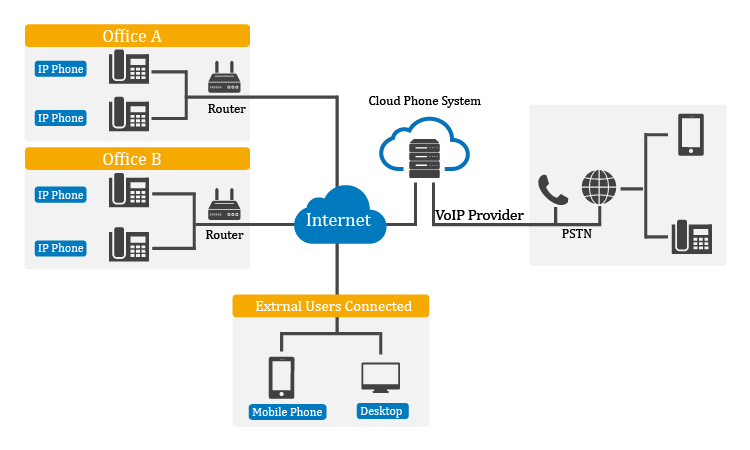
How are cloud phone systems different from on-prem ones?
.
- Infrastructure: On-premises systems require physical hardware installed and maintained on-site, while cloud phone systems operate in the cloud without the need for on-site equipment.
- Maintenance and Updates: With on-premises systems, businesses are responsible for maintaining and updating themselves. Hosted phone systems handle these tasks at the service provider's end.
- Scalability and Flexibility: Cloud phone systems allow businesses to add or remove users and features with just a few clicks. On-premises systems may require purchasing and configuring additional hardware.
- Cost Structure: On-premises systems involve upfront capital expenditures and ongoing maintenance costs. Cloud PBX operates on a subscription-based model with predictable monthly fees.
- Reliability and Redundancy: Virtual PBX often have built-in redundancy and multiple data centers, ensuring high availability.
- Remote Accessibility: Cloud phone systems allow users to make and receive calls from anywhere with an internet connection.
Why choose Yeastar Cloud PBX?
.
- More than a PBX: Yeastar Cloud PBX is an all-in-one solution for modern business. Empower your team with inbuilt call center solution, Linkus, omnichannel messaging, and more advanced VoIP features in one package.
- Easy Central Management: Simply your UCaaS service delivery and support with task management, provisioning templates, and more.
- SIP Trunking & IP Phones Options: Yeastar Cloud PBX is interoperable with over 100+ SIP trunk providers and supports auto-provisioning various SIP phones. That means easier setup and more savings.
- Open Ecosystem: Yeastar phone system is integrated with Microsoft Teams, popular CRMs, and more 3rd-party platforms to drive teamwork productivity and customer experience. Moreover, we are setting foot on the contact center market, introducing WhatsApp and SMS integration to the P-Series Phone System for an omnichannel messaging experience.
Can I connect my existing PBX to the cloud?
.
Yes. Yeastar allows you to connect your existing on-premises PBX to the cloud using SIP trunking. Instead of traditional phone lines or primary rate interfaces (PRI), your PBX need to connect to the public switched telephone network (PSTN) through the internet.
SIP trunking offers a hybrid solution that enables the integration of legacy systems with cloud-based services. That means you have the option to gradually migrate to the cloud PBX, ensuring uninterrupted communication for your business.
Can I migrate from my current hosting provider to Yeastar
.
Yes. In most cases, migrating to Yeastar cloud PBX is a straightforward process designed to minimize effort and disruption. You can migrate your existing PBX configuration, with core settings applied through guided steps rather than manual reconfiguration.
Yeastar also supports auto-provisioning for IP phones, making it easy to reconnect supported devices without on-site setup. SIP trunk settings, extensions, and call routing can be quickly re-applied or adjusted through the web-based management interface, allowing you to move services with confidence while keeping your existing numbering and integrations intact.
For more complex environments, the centralized management tools help ensure a smooth transition with minimal downtime.